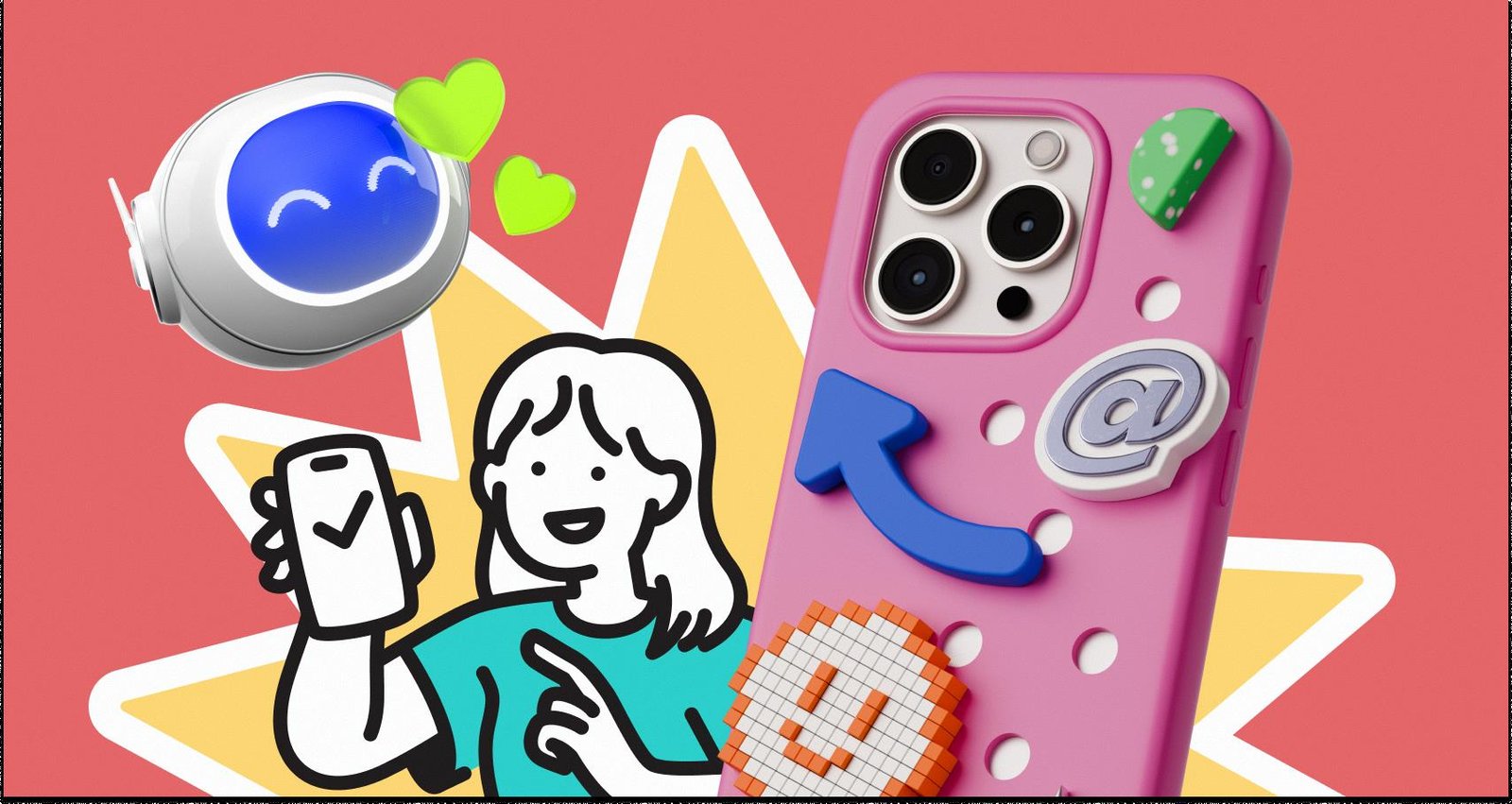
Design teams without in-house illustrators face a brutal choice. Can off-the-shelf libraries support a real brand system? Or does relying on stock assets guarantee a cheap, “template” look?
For years, stock sites failed this test. They functioned as junk drawers of isolated images. You might find a perfect vector rocket ship. Then you’d waste hours hunting for a matching user login screen in the same artistic style.
Ouch by Icons8 fixes this fragmentation. It isn’t just a gallery of pretty pictures. It works as a utility for building consistent user experiences. It bridges the gap between generic “Corporate Memphis” art and the high cost of custom commissions.
The Architecture of Consistency
Most stock repositories organize assets by subject. You search for “dog,” “office,” or “computer.” Ouch flips that model. It organizes primarily by style.
With over 101 illustration styles-from surrealism to 3D renders-the platform covers full UX flows. Pick a specific 3D style for your landing page hero. You will find that exact rendering style for your empty states, 404 pages, and checkout screens.
That solves the “Frankenstein” effect common in startup MVPs. Your marketing site finally looks like it belongs to the same company as your app and newsletter.
Scenario 1: The SaaS Product Launch
Take a small team launching a fintech application. They need a visual language that feels trustworthy but modern. Budget for a freelancer? Zero.
The lead designer selects a “Business” or “Technology” centered style from the library. Since the library includes over 28,000 business illustrations, they aren’t limited to generic handshakes.
- Selection: The designer grabs a flat, geometric vector style. It matches their clean CSS framework.
- Implementation: They download SVGs for the main screens. Vectors allow them to open files in Illustrator or Figma without pixelation.
- Customization: Brand consistency matters. Using the Mega Creator tool or vector software, they recolor accent elements to match the company’s specific teal hex code.
- Animation: Static images bore users. For the “Processing Payment” screen, they navigate to the animated section. They download a Lottie JSON file in the same visual style and hand it off to developers.
The result looks intentionally designed. It doesn’t look assembled from spare parts.
Scenario 2: The Content Marketing Engine
Social media managers don’t lack skill. They lack time.
A marketing manager needs to produce five Instagram stories, a blog header, and an email newsletter graphic every week. Spending four hours tweaking Bezier curves isn’t an option.
The “Searchable Objects” feature changes the workflow here. Most sites only offer complex, pre-baked scenes (e.g., “Woman sitting at desk with cat”). Ouch breaks illustrations down into tagged objects.
The manager builds a composition fast. They combine a character from the “People” category with different background elements. On the free tier, they download PNGs and add the required attribution link. For maximum speed, they use the Pichon desktop app. This lets them drag and drop assets directly into their design tool, bypassing the browser entirely.
A Typical Workflow: Building an Educational Portal
Let’s watch this play out in a real workday.
Meet Rohan. He is a web designer building an e-learning platform for a local college. The deadline is tight.
He starts his morning browsing the “Education” category. A textured, hand-drawn style catches his eye. It feels academic yet approachable. He needs an icon for the study materials section. He finds an open book clipart image that fits the vibe perfectly.
Mid-day, he hits a snag. The “Teacher” character in the hero section holds a pointer. The client wants a tablet. Rohan doesn’t scrap the image. He opens Mega Creator, swaps the pointer object for a tablet object, and keeps the style family intact.
By afternoon, he needs a 3D element for a promo video. He switches to the 3D tab. He finds a model matching the platform’s palette and downloads it as an MOV file for the video editor. He grabs the FBX file too, just in case the motion graphics team needs to adjust the camera angle later.
Rohan finishes the homepage mockup in one day. Visuals hold together from header to footer, spanning both 2D vectors and 3D motion assets.
Comparison: Ouch vs. Alternatives
Compare Ouch against the usual suspects in the illustration space.
- Undraw: The open-source standard. It is completely free and easy to recolor. But its ubiquity signals “bootstrapped startup” immediately. Ouch offers 101+ styles. Undraw offers one.
- Freepik: A massive repository with millions of assets. Consistency is the struggle here. Finding a pack of 50 images that look exactly the same is difficult. Ouch prioritizes the “pack” concept, ensuring deep coverage within a single style.
- Blush: A strong competitor for mix-and-match customization. While Blush excels at character composition, Ouch wins on formats. It includes 3D styles (FBX/MOV) and extensive animation support (Lottie/Rive/After Effects).
Limitations and When to Avoid
Ouch isn’t magic. It doesn’t replace a custom illustrator for every scenario.
Specific Metaphors: Your brand might rely on complex visual metaphors. If you need “a cybernetic octopus fighting a bear to represent market volatility,” you will hit a wall. Stock libraries handle common nouns and verbs well (working, running, analyzing). They struggle with abstract storytelling.
Exclusivity: These assets are non-exclusive. A competitor could technically use the exact same style. If owning the IP of your visual identity is a legal requirement, hire a human illustrator.
Free Tier Attribution: The free plan requires a link back to Icons8. Corporate sites and clean mobile apps usually cannot tolerate footer credits. You will likely need a paid plan.
Practical Tips for Professional Results
Make Ouch illustrations feel native to your brand. Follow these practices:
- Never use default colors: Default palettes scream “stock art.” Always recolor assets to match your brand’s primary and secondary hex codes.
- Mix Media Carefully: Ouch offers both flat vector and 3D styles. Don’t mix them on the same page. Stick to one visual language per user flow unless you have a deliberate art direction supporting mixed media.
- Utilize the Desktop App: Working in Photoshop, Illustrator, or Figma? The Pichon app saves hours of download-and-import time.
- Check for Animation: Before committing to a static style, check if that style has corresponding Lottie or Rive animations. Future-proof your design.
Conclusion
Can a library support a brand system? Yes, provided the library understands systems. Ouch succeeds because it treats illustrations as UI components rather than decoration. It offers deep stylistic consistency, editable formats, and diverse file types from SVG to 3D. You get a coherent product. You skip the boutique price tag.