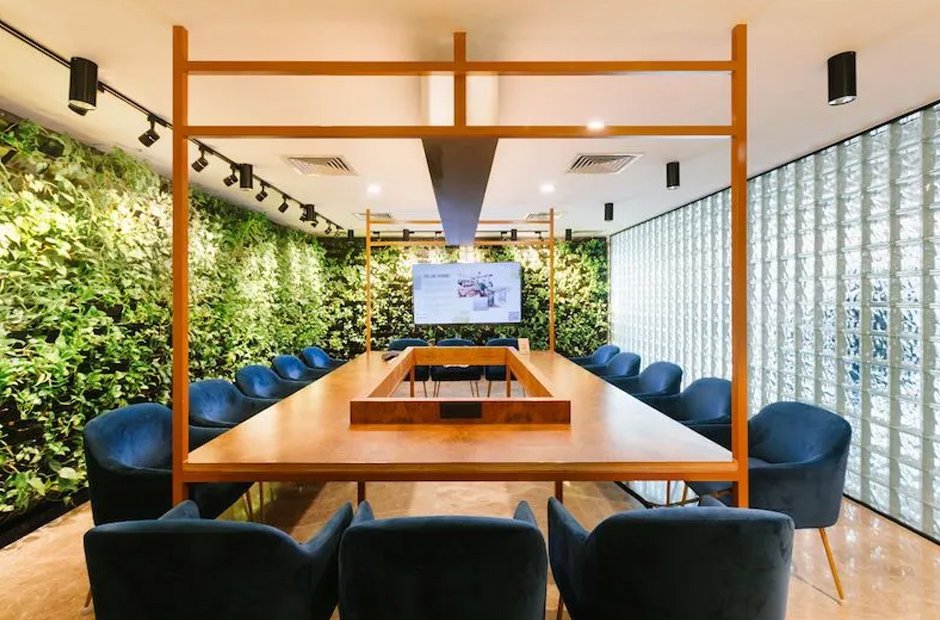
A meeting room creates a professional environment for team gatherings, and it allows you to discuss projects, give presentations, and conduct conference calls. Renting a meeting room enables you to choose a space that suits your specific needs. Here is more information on how to utilize meeting rooms for team collaboration:
Choosing an Appropriate Size
Workspace rental companies allow you to lease meeting rooms. When selecting a meeting room, choose a size and style that suits your team’s needs. A smaller meeting space, accommodating three to six people, provides a more intimate setting for collaboration. This invites each team member to contribute to the conversation. For larger meetings, select a larger boardroom or classroom style. These can seat anywhere between 10 and 50 people.
In a classroom setting, you have the option for groups of team members to sit together at a table. Having people sit together by department and allocating time for them to meet amongst themselves can help promote teamwork and foster the creation of positive interdepartmental relationships. For cross-departmental collaboration, have several people from different teams sit together to discuss solutions and provide unique perspectives during the meeting.
Choose meeting spaces with tables that allow everyone to see each other and the screen or whiteboard. This helps invite participation and makes it easier for team members to follow along with visual presentations. Larger tables also give team members the space to use laptops or other personal technology, allowing them to take notes, give presentations, or look up information. Promote employee comfort by providing ergonomic chairs to support employees during longer meetings.
Creating a Distraction-Free Environment
Utilizing a meeting room for team meetings instead of an open space helps eliminate distractions and protect confidentiality. Solid doors and walls prevent coworkers from looking out into the office during the meeting and create a sense of privacy. This allows employees to focus on what is being presented at the meeting. Avoid clutter in the meeting area, including personal decorations. This preserves a professional tone for your meetings and eliminates visual distractions. Controlling the lighting and noise in the room promotes a quiet, comfortable environment. Shades for windows make it easier to see screens, and adjustable lighting allows for a brighter room.
Using Visual Technology
Utilizing quality technology in your meeting space enables your team to leverage audio-visual resources for presentations, project reviews, and brainstorming sessions. Having a screen in the room allows for conference calls over a video-call platform. It also allows team members to share slides and other visuals.
High-speed Internet access, along with high-quality microphones and speakers, facilitates seamless call synchronization and makes sure everyone can hear clearly. This prevents interruptions, saving time and protecting effectiveness. Screen-sharing and HDMI cables enable team members to display their materials to the group. This helps you make sure everyone is able to view the information simultaneously.
When searching for a boardroom, look for a space that features whiteboards. Having a whiteboard in the meeting area allows you and your team members the creative freedom to brainstorm during in-person meetings. You can draw simple product designs and invite team members to write ideas for projects. This can be beneficial for visual thinkers.
Rent a Meeting Room Today
Meeting rooms offer a professional space for meetings with clients, interviews, training sessions, or hosting events. Some companies allow you to rent meeting spaces at hourly rates or for a specific number of hours each month, providing flexibility. This includes leases of eight hours, 16 hours, and 24 hours. Catering services may also be available. Find an office rental company to choose a meeting room rental plan today.