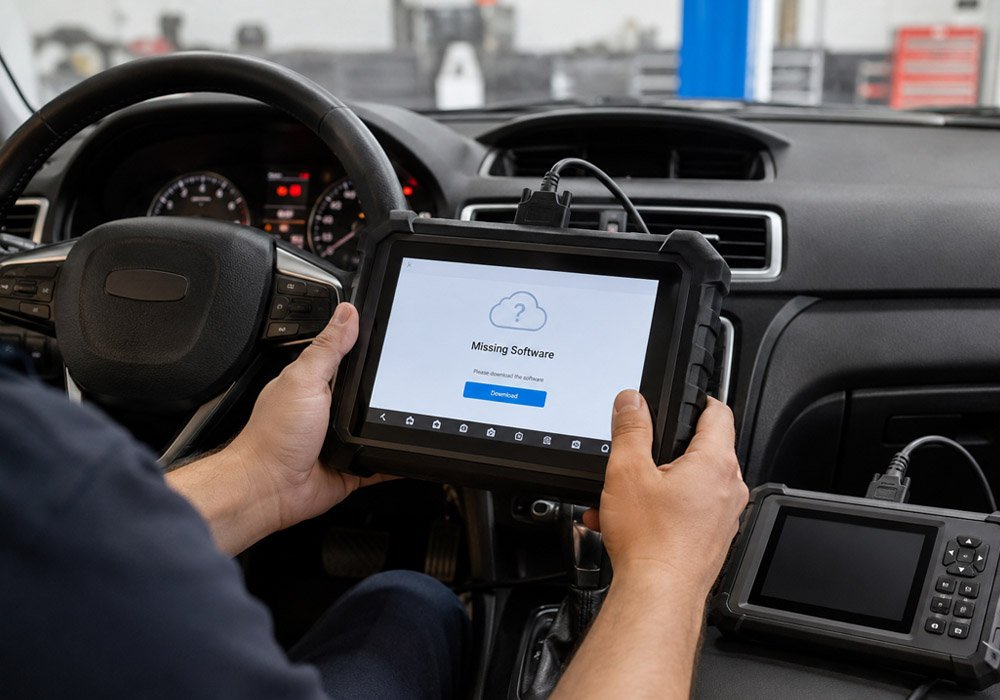
OBDSTAR X300 Classic G3 and DC706 are among the most popular diagnostic and programming tools used by automotive professionals worldwide. However, some users have reported that after purchasing the full software version, certain modules — particularly BCM (Body Control Module), TCM (Transmission Control Module), and certain ECU applications — are missing from the device menu.
This issue can be frustrating, especially when you rely on these tools for daily repair work. Fortunately, the solution is usually straightforward and does not require sending the device back for repairs. In this guide, we will walk you through the most common missing software scenarios on the OBDSTAR G3 and DC706, and provide clear, step-by-step instructions to restore full functionality.
Common Missing Software Scenarios
Based on customer feedback and common support cases, there are three typical situations where users find that certain software packages are not available on their OBDSTAR G3 or DC706 devices:
Case 1 – DC706 Full Version – Only ECU Software Available
The user has activated the full software license on the DC706, but only the ECM (Engine Control Module) software appears in the menu. TCM and BCM software are missing.
Case 2 – G3 Full Version – Mileage Function Missing
The user has activated the ECU, airbag, and mileage licenses on the G3 device, but the mileage correction function does not appear.
Case 3 – G3 ECU Package – TCM and BCM Not Found
The user has activated the ECU software package on the G3, but TCM and BCM software are missing and cannot be found in the one-click upgrade list. The device shows “No software can be upgraded”.
Why Does This Happen?
These missing software issues are typically not caused by hardware defects or incorrect activations. Instead, they are usually related to one of the following:
- Incomplete initial registration: New devices must be properly registered before software packages become fully available.
- Outdated software cache: The device may still be reading from an old cache, preventing newly activated licenses from appearing.
- Pending updates: Some software modules are only downloaded and installed after the initial registration and update process.
Step-by-Step Solutions to Restore Missing SoftwareSolution for Case 1 – DC706 Missing TCM and BCM
If you have activated the full license on your DC706 but only ECM software is visible, follow these steps:
- Step 1: Ensure your device is properly registered. If you haven’t registered it yet, complete the registration process first.
- Step 2: Go to the Upgrade section on your device.
- Step 3: Download and install the BCM and TCM software updates. After the updates are installed, the missing modules should appear in your menu.
Solution for Case 2 – G3 Mileage Function Missing
If you have activated the ECU, airbag, and mileage licenses on your G3 but cannot see the mileage function:
- Step 1: Register your device if you haven’t already.
- Step 2: Navigate to the Upgrade section.
- Step 3: Download and install the mileage software update. The mileage function should become available after the update is complete.
Solution for Case 3 – G3 TCM and BCM Not in Upgrade List
This is the most complex scenario. If your G3 shows “No software can be upgraded” even though you have activated the ECU package, try the following:
- Step 1 – Clear VCI Cache: On your device, find the option to clear the VCI cache. This removes temporary files that may be blocking new software from appearing.
- Step 2 – Clear DP Cache: Go to Settings → Application → DP, then select “Clear DP”. This clears the diagnostic program cache.
- Step 3 – Re-login: Log out of your device and log back in. This refreshes your session and forces the device to re-sync with the server.
- Step 4 – Check for Upgrades: Go back to the Upgrade section and check for available software. The missing TCM and BCM software should now appear for download.
Preventive Measures – Keeping Your OBDSTAR Tools Healthy
To avoid encountering these issues in the future, consider the following best practices:
- Always register your device immediately after receiving it. Registration is a prerequisite for full software access.
- Perform regular software updates to ensure you have the latest modules and bug fixes.
- Clear cache periodically, especially after major updates or if you notice any unusual behavior.
- Keep your device connected to a stable internet connection during registration and updates to prevent incomplete installations.
Understanding the Difference – G3 vs DC706
It’s worth noting that the OBDSTAR X300 Classic G3 and DC706 serve different primary purposes. The G3 is a more comprehensive diagnostic tool that supports immobilizer, mileage correction, airbag reset, and other functions. The DC706, on the other hand, is specialized for ECU, TCM, and BCM cloning with broader coverage in these specific areas.
This distinction matters because the software packages and update processes can differ between the two devices. Understanding which tool you have and what it is designed to do will help you troubleshoot more effectively.
When to Seek Professional Support
If you have tried all the steps above and the missing software still does not appear, there may be a more complex issue with your device. In such cases, it is recommended to contact OBDSTAR technical support or your authorized dealer for further assistance.
Additionally, if your device becomes unresponsive after an update or displays error messages such as “DiagProgram Application has Stopped,” a firmware refresh or factory reset may be required. A factory reset can often resolve stubborn software issues.
Final Thoughts
Missing software on OBDSTAR G3 and DC706 devices is a common but solvable issue. In most cases, the problem can be fixed within minutes by registering the device, updating software, or clearing the cache. Understanding the root cause and following the correct troubleshooting steps will save you time and frustration.
By keeping your device properly registered and regularly updated, you can ensure that your OBDSTAR tool continues to deliver the full range of functions you need for your workshop operations.